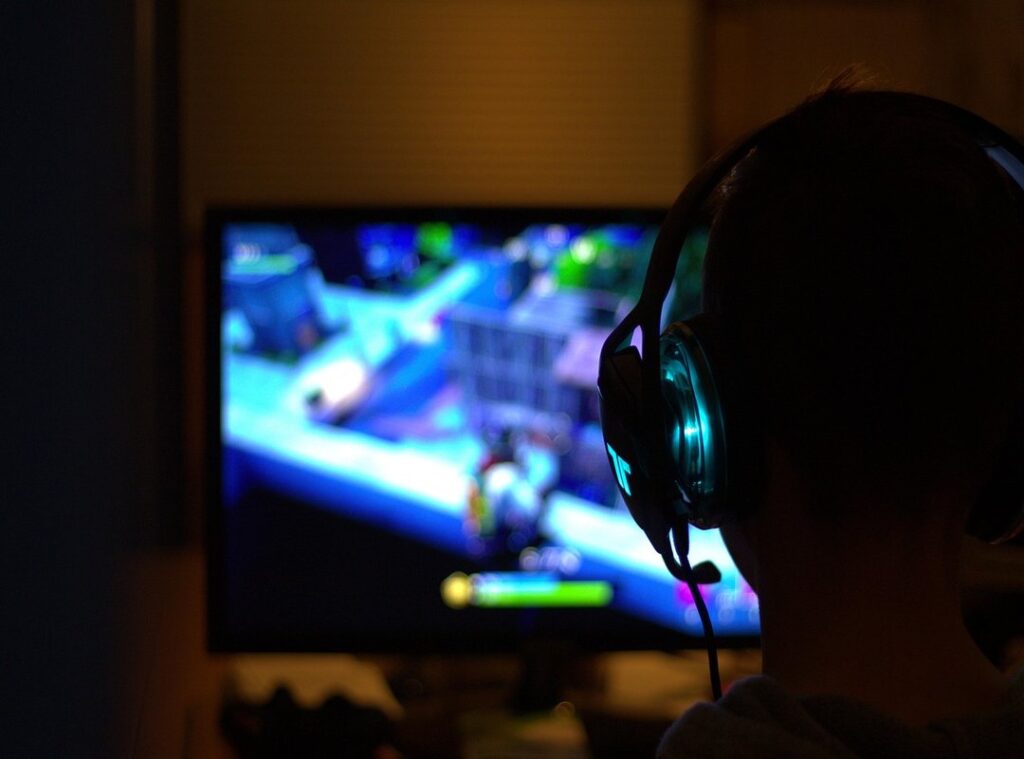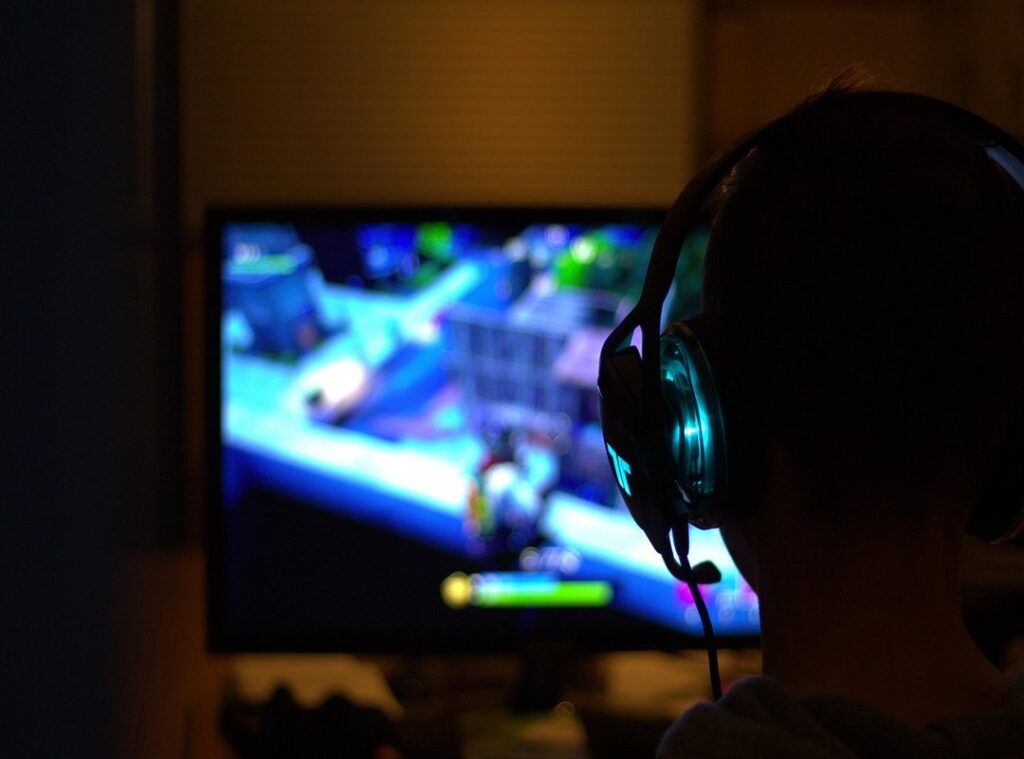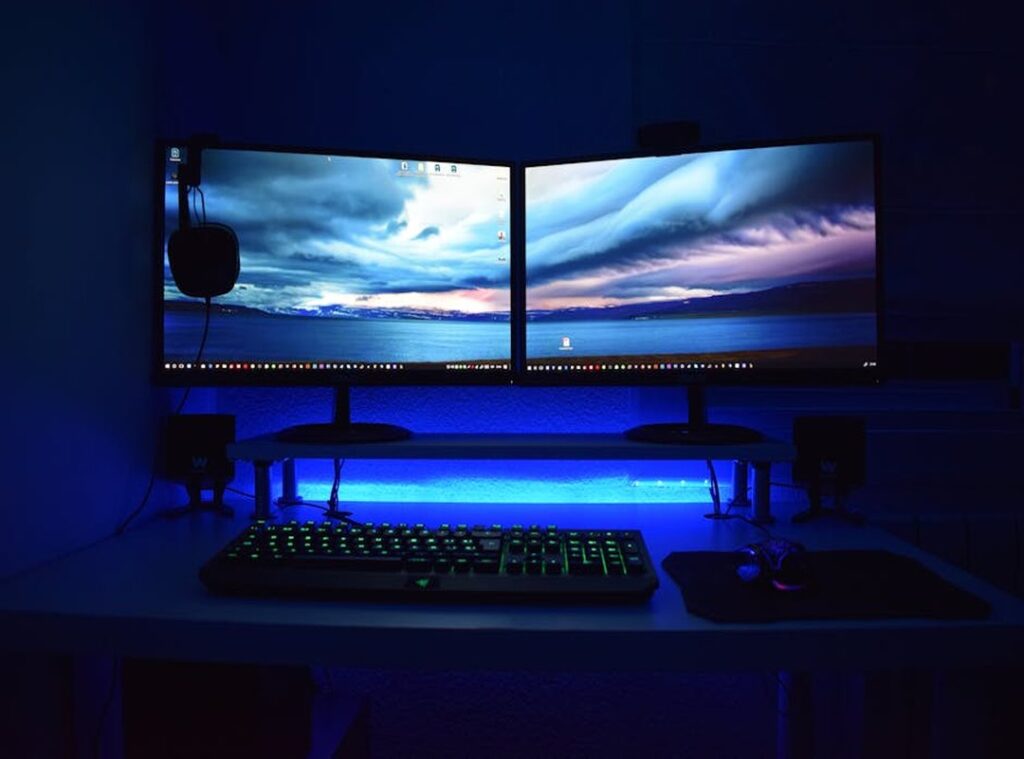
Long gaming sessions can lead to discomfort, aches, and fatigue. I get it. It sucks when your favorite pastime turns into a pain.
This article is here to help you build a truly comfortable gaming workstation that supports your health and boosts your performance.
My advice comes from years of experience in optimizing game setups. I know what works and what doesn’t. I’ve seen the difference a solid ergonomic gaming setup can make.
This guide won’t just push you to buy gear. Instead, I’ll show you how to create an integrated, ergonomic space that feels right.
You’ll learn actionable steps to transform your setup into a pain-free, enjoyable gaming haven.
I want you to game longer without sacrificing comfort.
Trust me, your body (and your game) will thank you.
Why Comfort Matters: The Core of Ergonomics for Gamers
Ergonomics. A fancy word for making your space fit you, not the other way around. I can’t stress enough how important this is for gamers.
We’re talking about setting up your gaming station so you don’t break yourself in the pursuit of that high score.
An ergonomic gaming setup reduces risks like carpal tunnel and back pain. You can game longer, focus better, and walk away without feeling like a pretzel. It’s not just about comfort; it’s about health.
Now, myths abound. You’ve heard them: “Just power through it,” or “Only pros need the fancy gear.” Nonsense. Everyone deserves a setup that doesn’t hurt.
Gaming shouldn’t feel like a workout (except for your brain).
Look out for warning signs: neck stiffness, wrist pain, numb fingers. These discomforts scream “bad setup!” A comfortable workstation isn’t just luxury. It’s an investment in your game and sanity.
Let’s face it. If you’re not comfortable, how can you expect to play your best? Would you run a marathon in shoes that hurt?
Neither should you game in discomfort.
Building Your Base: Chair and Desk Choices
The Gaming Chair Dilemma: Gaming chairs look cool but often lack true ergonomic benefits. What you really need is an office chair that focuses on adjustability and lumbar support. Adjustable armrests, seat depth, and breathable material are key features. Why? Because an ergonomic gaming setup is about comfort and health, not just aesthetics.
Before buying, sit in the chair if you can. If that’s not possible, check trusted reviews. Look for feedback on adjustability and long-term comfort.
People rave about certain brands for a reason (dig) into those comments. It changes your experience entirely.
They say standing desks reduce sedentary time, and I agree. Adjustable desks offer the flexibility to switch postures, keeping you both comfortable and alert.
Now, let’s talk desks. Your desk is the foundation of your setup. It should allow for proper monitor and peripheral placement.
When measuring desk height, make sure your elbows are at a 90-degree angle. This helps prevent strain on your wrists. Material matters too; a desk should be stable and durable.
Size-wise, you’ll want enough space for your monitor and accessories without feeling cramped.
Speaking of monitors, if you’re interested in choosing the right gaming monitor, that’s another important part of your setup. Your chair and desk choices set the stage for everything else. Get them right, and you’re halfway to a gaming haven.
Mastering Comfort: Keyboard, Mouse & Monitor Tips
When it comes to your ergonomic gaming setup, the right peripherals make all the difference. Let’s start with keyboards. Split keyboards are great if you like natural hand positioning.
Tenkeyless models save space (and honestly, who uses the number pad?). Mechanical keyboards offer tactile feedback, which some swear by, but membrane ones are quieter. Your wrists will thank you.
Now, about that mouse. Grip style matters (palm,) claw, or fingertip grip determine comfort. I prefer lightweight mice with adjustable DPI for precision without strain.
Don’t forget a large, smooth mouse pad to glide freely. More room, less stress.
Ever wondered if wrist rests are worth it? Use them for support, not elevation. Trust me, getting this wrong leads to discomfort.
Monitor placement is key. The top should be at or slightly below eye level. Keep it at arm’s length to reduce eye strain.
If you’re using multiple monitors, align them to avoid constant head turns.
And let’s not ignore eye comfort. Consider blue light filters or screens with high refresh rates for long sessions. For more on the ergonomic gaming setup: prevent pain & boost comfort, dive into this guide.
Gaming Sanctuary: Light, Sound, and Comfort
Creating the right atmosphere for gaming is a game-changer (pun intended). I can’t emphasize enough how lighting affects your mood and eye strain. Avoid those harsh, direct lights that make you feel like you’re in an interrogation room.
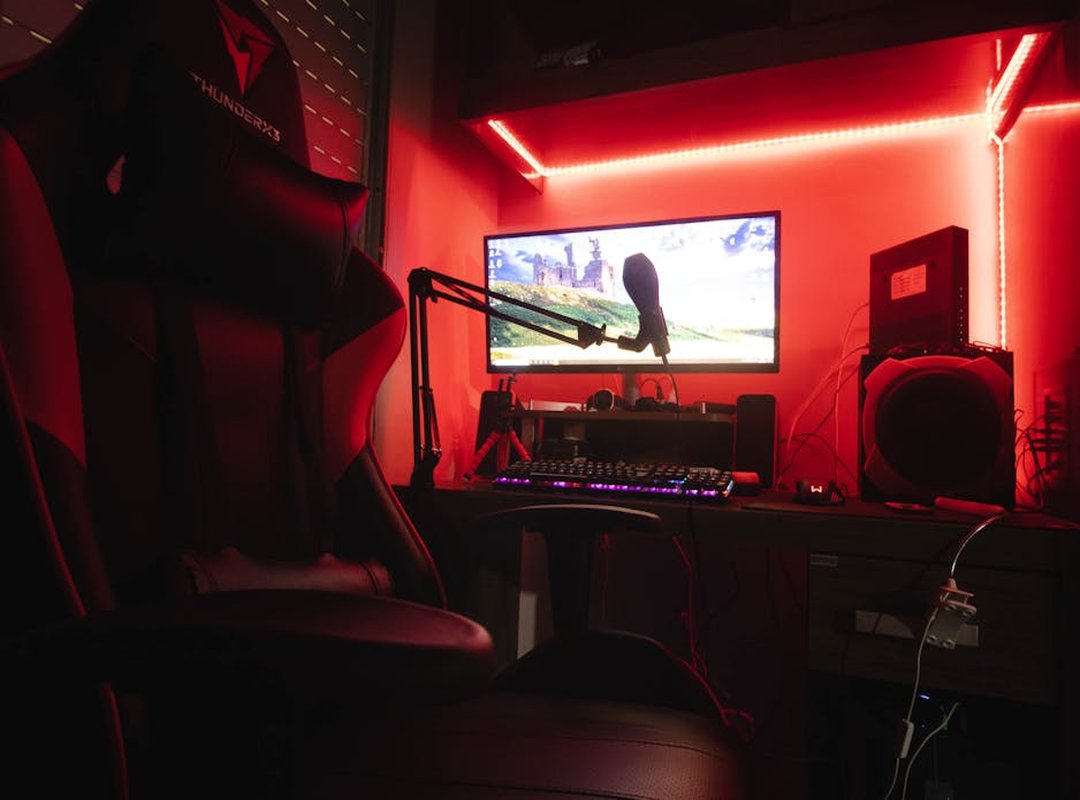
Ambient lighting is your friend. It sets the mood without burning your retinas. Ever tried bias lighting behind your monitor?
It’s a lifesaver for reducing eye fatigue.
Now, let’s talk sound. Headphones are a personal choice, but comfort matters. Over-ear headphones?
Great for long sessions. In-ear? Not so much.
Weight and clamping force are key. You don’t want a headache halfway through a game. And hey, keep that volume at a level that won’t leave you with ringing ears.
Microphone placement is another thing. You want it close enough for clear communication, but not so close you have to crane your neck. Trust me, neck strain is no joke.
Temperature is also key. A cool gaming space keeps you focused. Ventilation or air purifiers can make a world of difference.
You don’t want to be breathing in stale air, right?
Cable management might not sound exciting, but a cluttered space is distracting. Plus, it’s safer. Add some personal touches like plants.
They bring a sense of calm and focus. An ergonomic gaming setup isn’t just about the gear. It’s about creating a space where you feel comfortable and immersed.
Game On, Comfort Up: Important Habits for Gamers
Ever heard of the 20-20-20 rule? It’s a simple trick for eye health: every 20 minutes, glance at something 20 feet away for 20 seconds. Trust me, your eyes will thank you.
We can’t stare at screens endlessly without some consequences.
Don’t just sit there! Every hour, take a 5-10 minute break to stretch and move. Your body needs it.
Try some simple stretches for your neck, shoulders, wrists, and back. Gentle movements, nothing fancy. Listen to your body (it’s usually right about these things).
Hydration’s a no-brainer. Keep water nearby. It’s easy to forget when you’re deep in a game.
Healthy snacks help keep your energy up too.
Regular self-checks on your gaming posture are key. Don’t set up your gear and forget about it. Make minor tweaks as you go, because your comfort needs change.
Your ergonomic gaming setup is an ongoing project.
Speaking of comfort, if you haven’t already, consider setting up a perfect gaming chair. It makes a world of difference for long sessions. Keep playing, but play smart!
Level Up Your Gaming Setup
Building a comfortable gaming workstation is important for serious gamers. You know the toll long sessions take on your body. An ergonomic gaming setup can make a huge difference.
Start by making small changes. Adjust your chair, play around with your monitor height, or take regular breaks. These small shifts can prevent discomfort and boost your enjoyment.
Don’t ignore your health while chasing high scores. Explore more game setup essentials and skill development techniques. Your gaming experience deserves that attention.
So get started today. Make one change now. Your body will thank you later.