Long gaming sessions can lead to discomfort, aches, and fatigue. I know that feeling all too well.
This article is about building an ergonomic gaming setup that supports your health and performance. I’ve spent years optimizing my own gaming space and studying how setups impact gameplay and gamer skill development.
What I’ve learned is practical and straightforward. It’s not just about buying the latest gear. It’s about creating a space that feels good to spend hours in.
You deserve a setup that minimizes pain and maximizes enjoyment.
In this guide, I’ll share actionable steps to transform your gaming corner into a pain-free, enjoyable haven.
With the right adjustments, you’ll feel better but also play better.
Let’s dive into the essentials for crafting your ultimate comfortable gaming workstation. You won’t regret it.
Why Comfort Matters: The Core of Ergonomics for Gamers
You know what’s underrated in gaming? Comfort. Ergonomics is about designing your workspace to fit you, not the other way around.
And it’s not just for those so-called “pros” with their fancy gear. Let’s get real.
Using an ergonomic gaming setup can reduce your risk of injury. Ever felt that wrist pain or neck stiffness creeping in? It’s your body screaming for help.
I’ve been there, thinking I could just power through a marathon session. But why suffer? A good setup improves focus and stamina.
You play longer, and your health doesn’t take a hit.
There’s this myth that only top-tier gamers need comfort. What nonsense. Every gamer deserves a setup that doesn’t ruin their back.
Look for warning signs: numb fingers, headaches, or even the dreaded carpal tunnel.
Your gaming station is an investment in performance and well-being. It’s not a luxury. It’s important.
A comfortable setup means you’re not sacrificing your health for your hobby. So, ask yourself, isn’t it time to rearrange that desk?
Building Your Base: Gaming Chair and Desk
Let’s talk gaming chairs. A gaming chair dilemma we all face is picking between flashy designs and actual comfort. Sure, those neon colors look cool, but can you sit in it for hours without feeling like you just ran a marathon?
I doubt it. A truly ergonomic chair offers adjustable armrests, lumbar support, and seat depth adjustment. It’s not just about aesthetics.
You want a chair that feels like the Iron Throne of your room. (Minus the back pain.)
Before buying, test the chair. Sit in it, adjust everything. When that’s not possible, find honest reviews.
Not the kind that scream “best chair ever” but ones that talk about long gaming sessions.
Now, your desk. It’s the foundation of your ergonomic gaming setup. Without a good one, your monitors and peripherals might end up like scattered Legos on the floor.
Standing desks are a game-changer. They let you switch postures, reducing the couch potato syndrome. Measure desk height so your elbows and wrists are comfy.
You don’t want them floating like they’re auditioning for a new yoga pose.
Material matters too. You need something sturdy for those moments when the game gets intense. And size?
Bigger is better here. It’s like having the perfect sound systems gamers dream of. Speaking of which, check out this perfect sound systems gamers link for more on that.
Get your setup right, and your gaming experience will be next level.
Peripherals Done Right: Comfort in Your Gaming Setup
Let’s be real. If you’re not prioritizing comfort in your gaming gear, you’re missing the whole point of an ergonomic gaming setup. Start with the keyboard.
Split keyboards can be a lifesaver for your wrists, giving them a more natural position. Mechanical keyboards? Loud but oh-so-satisfying clicks.
They help reduce the fatigue that membrane keyboards can cause after long sessions.
Now, the mouse. Ever tried different grip styles? Palm, claw, fingertip… they all have their quirks.
Picking the right one can save you from unnecessary strain. And don’t underestimate the power of a good DPI setting; it can change how your wrist feels after hours of gaming.
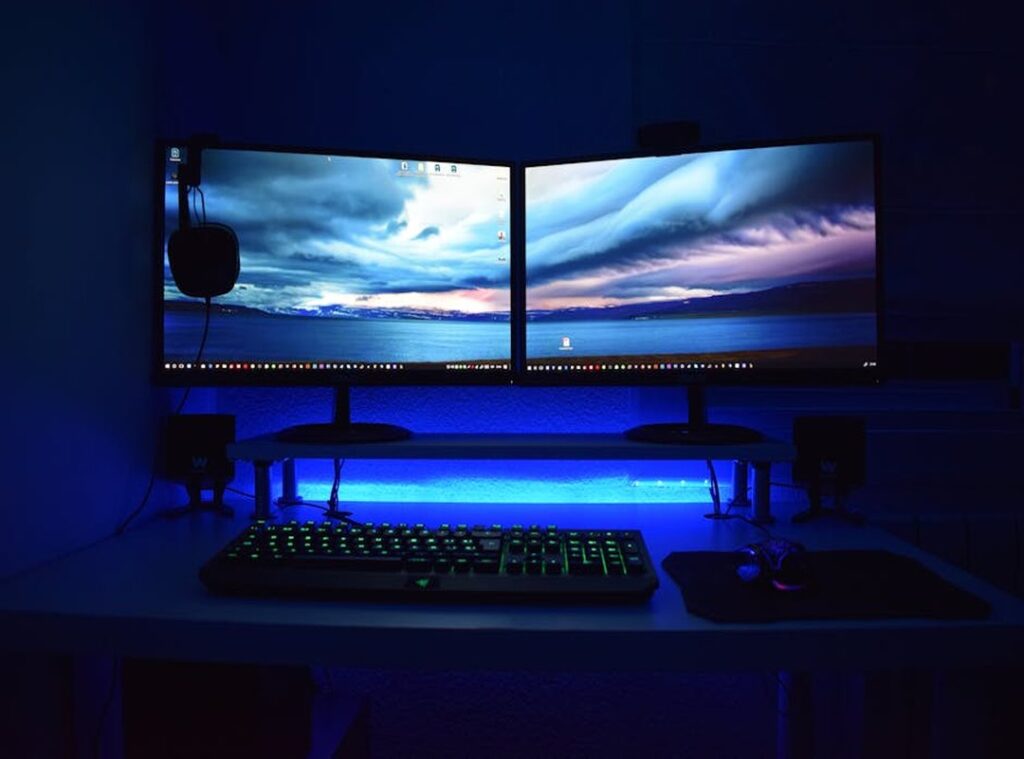
Monitors are another beast. Keep them at eye level to avoid that awkward neck kink. Arm’s length is the sweet spot for distance.
If you’re using multiple screens, position them to minimize head movement. Your neck will thank you.
Oh, and if you’re curious about more on this, check out gaming ergonomics what you need to know. Always look for those blue light filters and decent refresh rates. Your eyes will love you for it.
Beyond the Hardware: Lighting, Sound, and Comfort
Lighting your gaming sanctuary is more important than you think. Direct, harsh lights can mess with your mood and strain your eyes. Ambient lighting is the way to go.

It softens the room and makes the atmosphere feel more immersive. Bias lighting behind your monitor? That’s a game changer for reducing eye fatigue.
And let’s not forget about those pesky glares from windows and overhead lights. They’re the worst. Block them however you can.
Trust me, you don’t want to sacrifice your hearing for a few extra decibels. As for microphones, having it well-placed means you won’t strain your neck while communicating clearly.
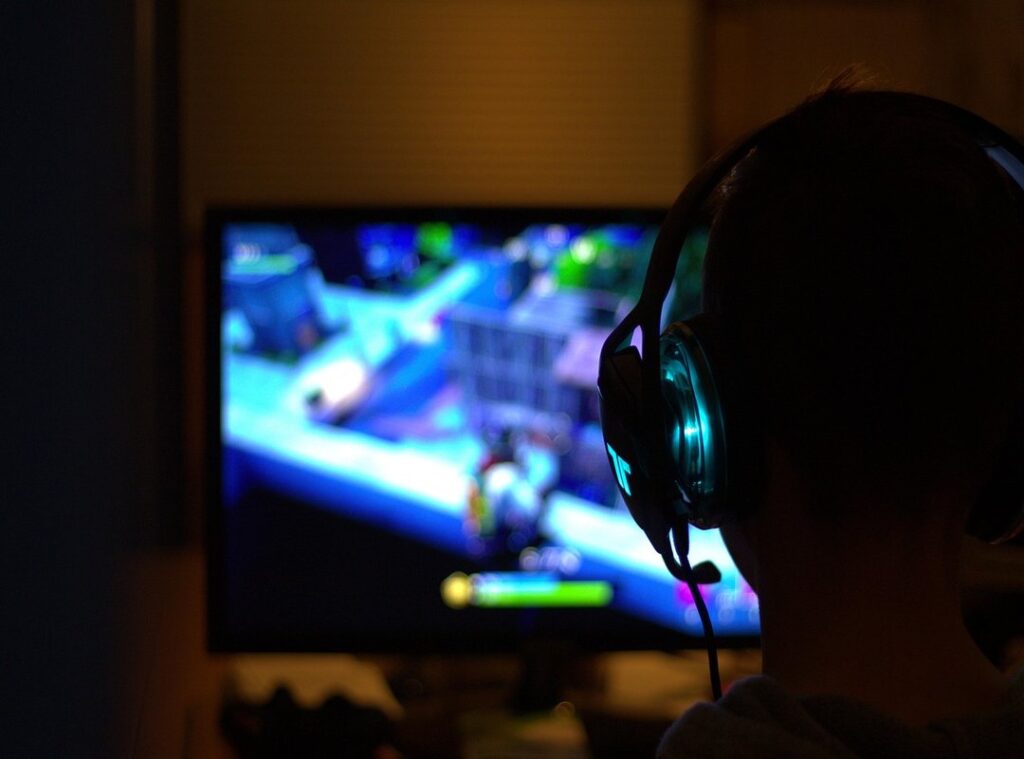
Sound matters too. Over-ear headphones are my pick for long sessions. They’re comfortable (if you choose wisely) and help keep you immersed without blasting your eardrums.
Environmental factors can’t be ignored in your ergonomic gaming setup. Keeping your space cool is a must. Nobody likes sweating through a session.
Good ventilation or an air purifier can make a world of difference. And let’s be real, cable management isn’t just for looks. It’s about having a cleaner, safer space.
Want to add some personality? Throw in some plants or decor that help you stay calm and focused.
Oh, and if you’re still piecing together your setup, you might want to learn more. A good chair can make all the difference.
Sustaining Your Comfort: Habits for Long-Term Gaming Health
Gaming marathons are fun, but staring at a screen for hours? Not so much. Enter the 20-20-20 rule.
Every 20 minutes, look at something 20 feet away for 20 seconds. It sounds simple because it is. But it works.
Keeps those eyes from frying like eggs on a summer sidewalk.
Don’t forget to move. Get up every hour for five to ten minutes. Stretch.
Walk around. Heck, do a little dance. Your body will thank you.
Speaking of stretches, don’t just sit there like a statue. Try some easy ones for your neck, shoulders, wrists, and back. Gentle movements are key.
Listen to your body. It knows best.
Hydration and snacks are your sidekicks. Keep water and healthy munchies nearby. Your brain and energy levels will stay sharp, like a well-honed blade in your favorite game.
Regular self-checks? Absolutely. Your ergonomic gaming setup isn’t a “set it and forget it” deal.
Adjustments are part of the game. Comfort needs change. Keep tweaking for the win.
Gaming comfy isn’t a luxury. It’s a necessity.
Level Up Your Comfort Now
Building a comfortable gaming workstation is important for serious gamers. Long sessions can take a toll on your body without proper ergonomic consideration.
I know the struggle. The discomfort can ruin your enjoyment. The solution lies in a complete approach.
Combine the right gear with smart setup choices and healthy habits.
Start making changes today. Even small adjustments can improve your experience.
Explore more about creating an ergonomic gaming setup. Don’t wait. Your pain-free gaming journey starts now.
Take action and transform your gaming space. You deserve a setup that enhances your performance and keeps you comfortable.